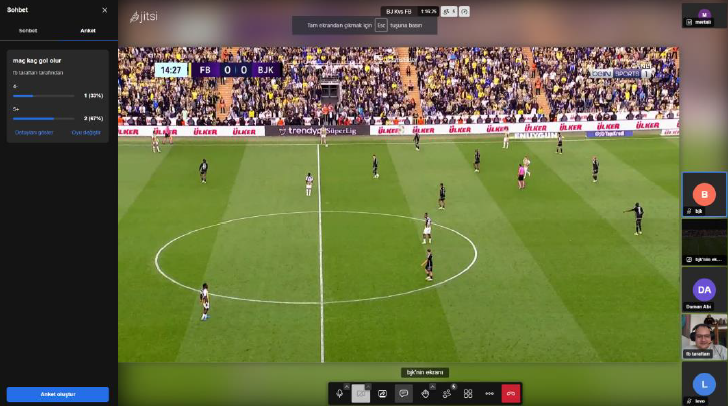
Self-Hosted Video Conferencing Tool
Deployed and customized a self-hosted Jitsi Meet instance on Linux infrastructure, implementing security hardening, performance optimizations for memory-constrained environments, and scalability improvements for handling concurrent video sessions.
Tech Stack
The Problem
Commercial video conferencing solutions raise privacy concerns for organizations handling sensitive data. Self-hosted alternatives exist but require significant DevOps expertise to deploy securely and performantly.
Approach
Set up Jitsi Meet on a Linux server with Nginx reverse proxy, implemented SSL/TLS encryption, configured OAuth authentication, and optimized JVM settings for memory management. Added monitoring and logging for operational visibility.
Key Challenges
- Memory optimization for resource-constrained cloud instances
- Ensuring WebRTC connectivity behind various network configurations
- Balancing security hardening with usability
Results
Deployed a functional video conferencing platform supporting multiple concurrent rooms with end-to-end encryption, significantly reducing reliance on third-party services.